
The exchange exchange system enables missions to be sent to these partners.
Create a proposal to send
From the mission creation or modification screen, press Assignment then I select a partner
Enter the proposed amount for the mission.
Note The amount offered to the subcontractor will be visible to him, while the amount invoiced to the customer remains confidential.


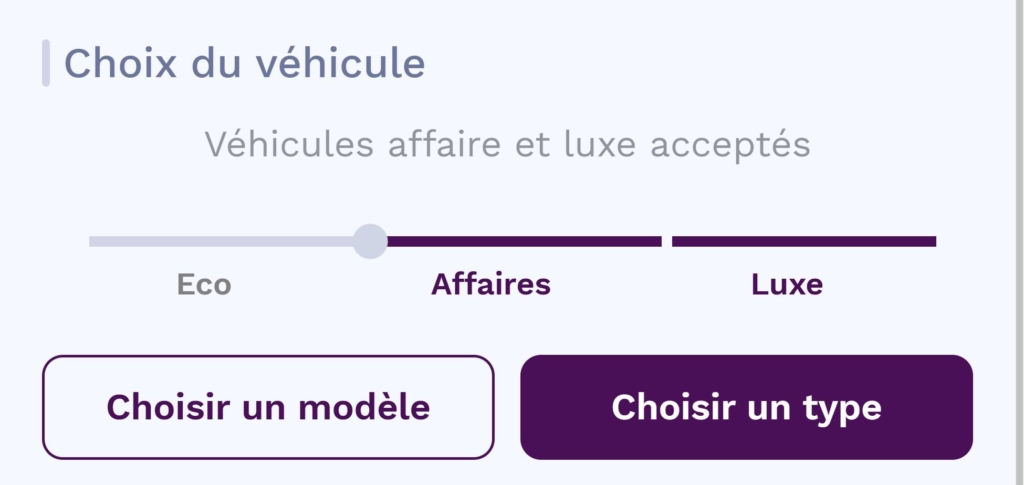
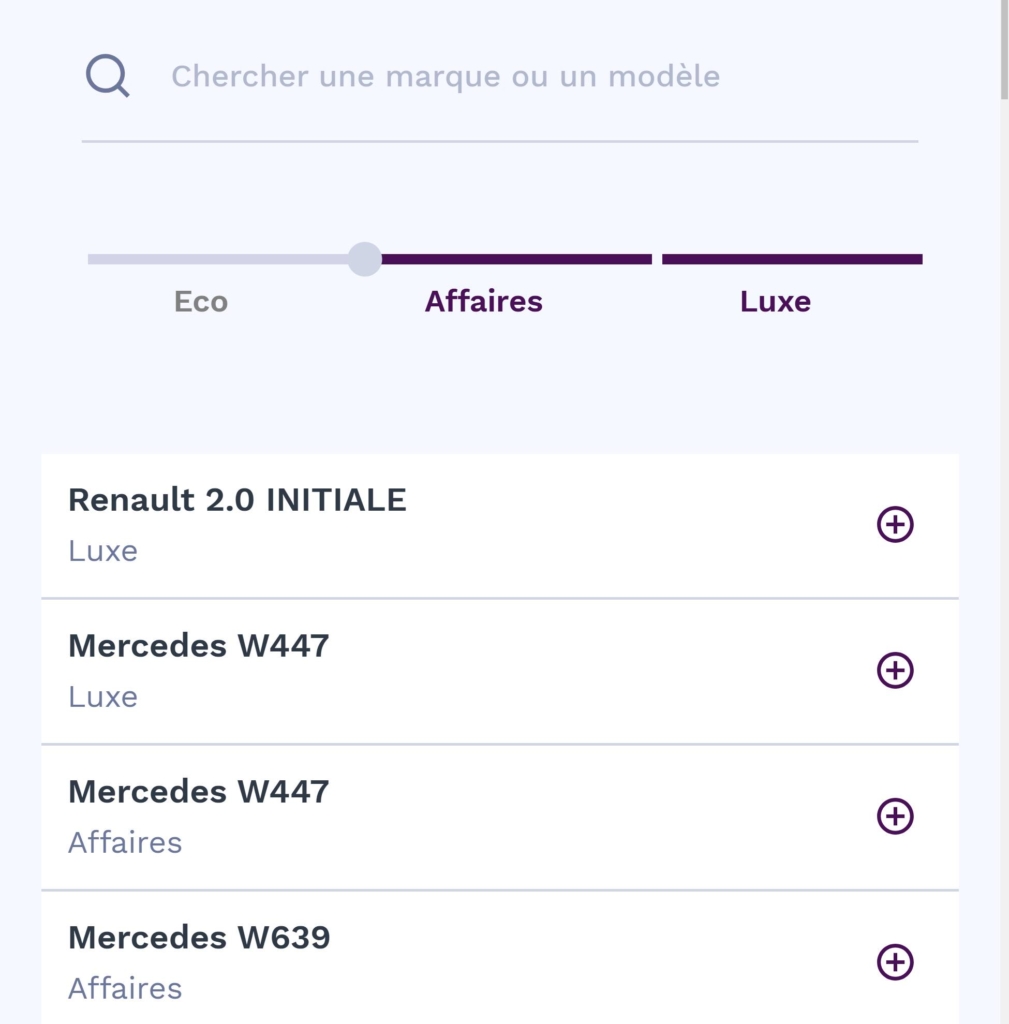
Setting up the vehicle (optional)
Use the options available for vehicle preference :
- Vehicle prestige Use the slider to filter vehicles by category (Eco, Business, Luxury).
- Choose a model Press this button to select one or more specific models from the available options.
- Choose a type Press this button to filter vehicles by type (e.g. Limousine, Minibus, MPV, Estate, Coupé, etc).

Set options (optional)
Activate the specific equipment required for the mission (e.g. Wi-Fi, passenger tablet, etc.).
Select the language to be spoken by the driver, if applicable.

Define recipients
Choose who to send the proposal to:
- Create a new circle Create a new specific group of partners.
- Selecting a partner from outside the network.
Note : The list of available partners may vary according to the parameters previously selected, as well as their availability.

Send request
Once you have completed all the fields, press Send.
Need assistance? Our support team is on hand to answer your questions!